We are pleased to present IMPETUS Solver 11.1.0. This release brings new features and improvements to both Engine and GUI. Below are some highlights. For the complete list of changes, see the Engine release notes and GUI release notes.
GUI highlights
Improved performance in Post
We have made a series of performance improvements for working with large results in Post. Loading results and moving between states should feel more responsive, particularly in models with many parts. This will affect both the normal post-processing work and the total time to create videos.
The video below shows a side-by-side comparison of the performance of the new 11.1.0 version on the left and the 11.0.0 version on the right.
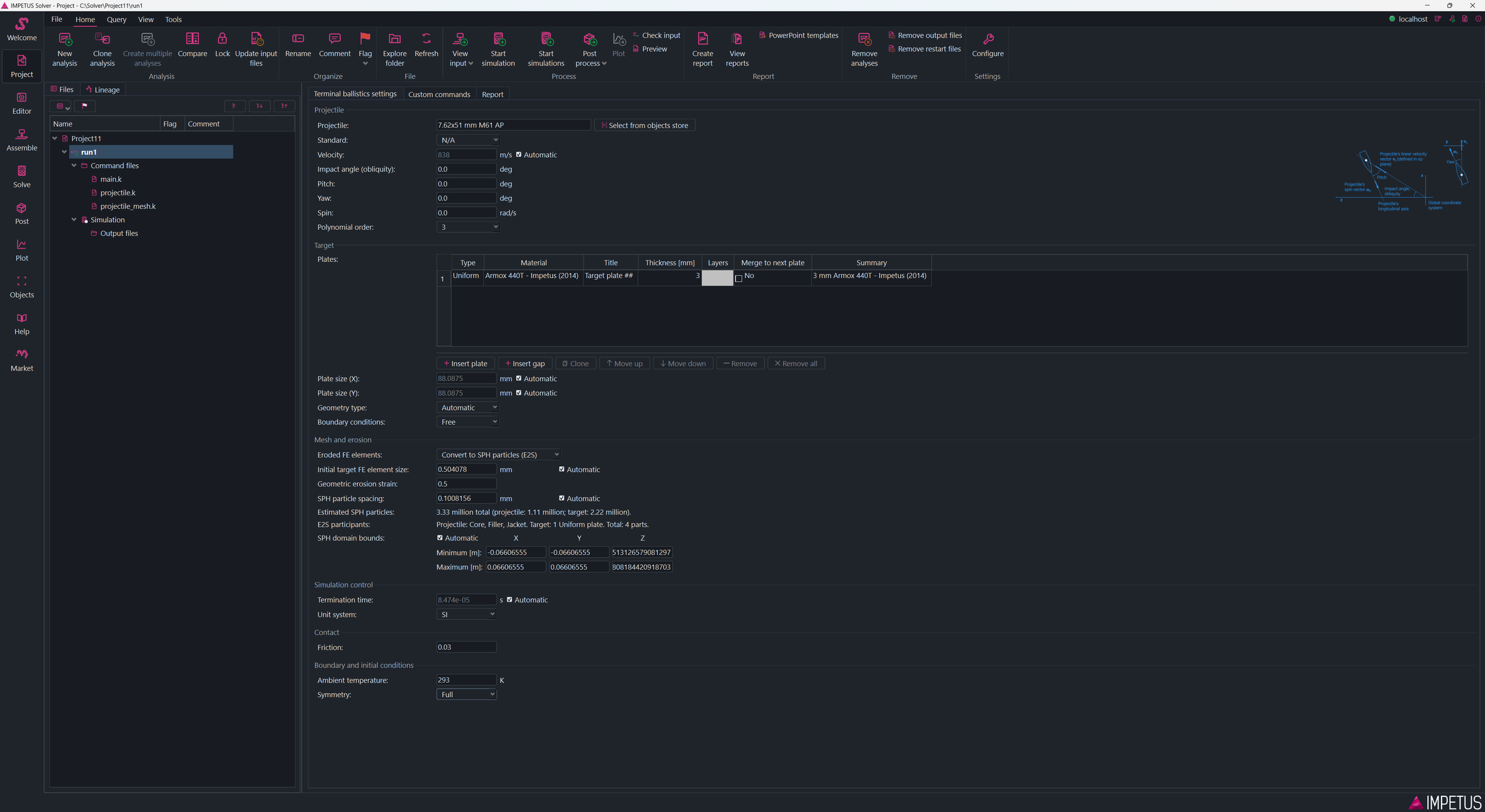
Support for E2S in terminal ballistics template
The terminal ballistics template has been extended. The default is now to use Erode-to-SPH (E2S), but you can change settings to use normal element erosion instead. When using E2S there is no need for refining or changing polynomial order. The model in the video above was created directly in the new terminal ballistics template.
Feedback while editing input files
The Editor now provides live feedback as you prepare an input file. It can point out problems beside the relevant line, offer command suggestions, and show calculated values for parameter expressions directly in the text. You can catch many input mistakes and check expressions before starting a simulation.
Viewport controls close at hand
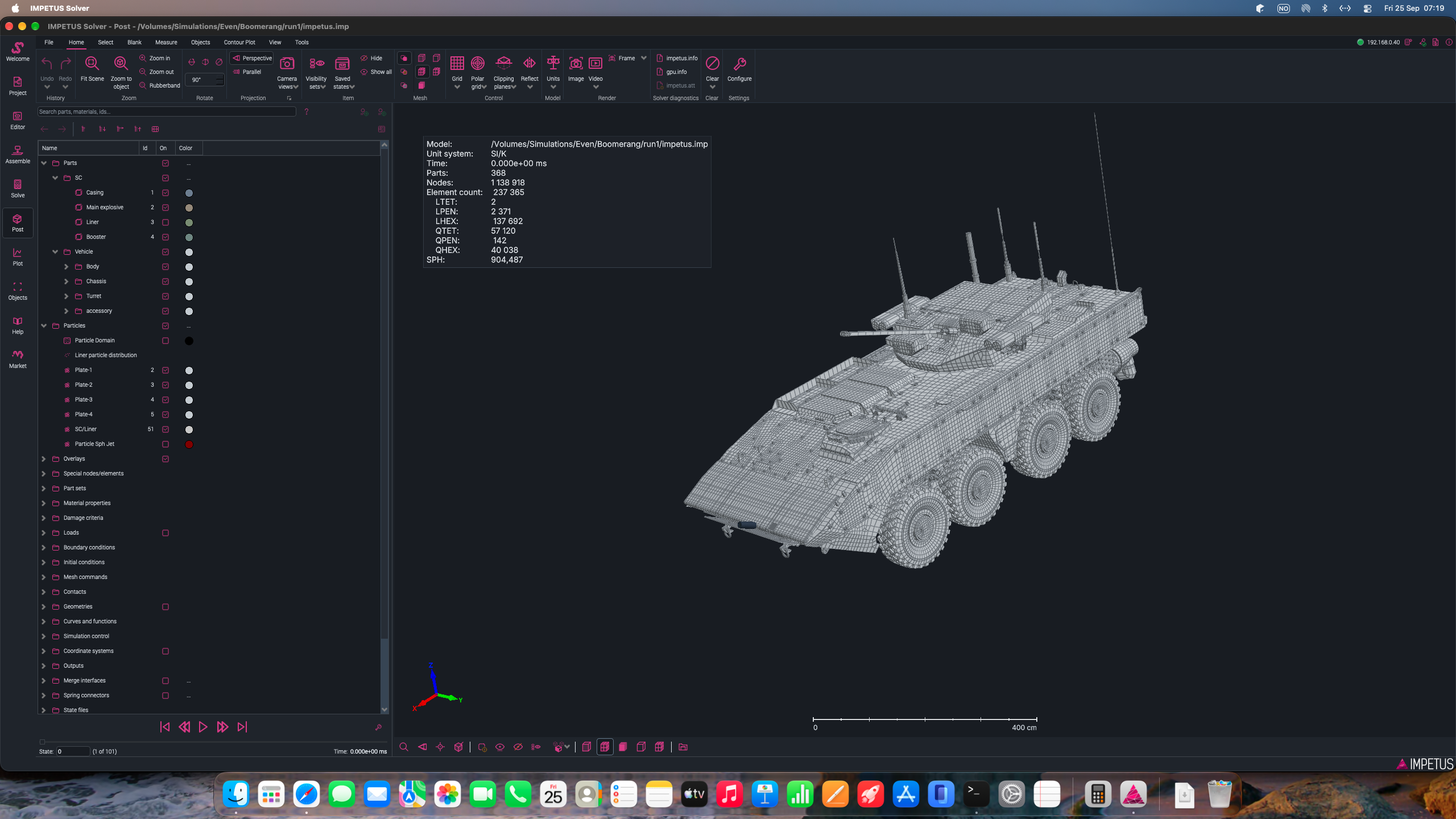
A toolbar at the bottom of the viewport gives quick access to frequently used view and display controls in Assemble and Post.
One new addition is Fade others. By default when you click a part in the item tree, that part is outlined but other parts remain the same. If you turn on Fade others, then the parts you did not select become transparent. You can control the opacity of the other parts as well as if the selected part should be outlined or not in the toolbar menu. See the video below for how it can be used.
Identifying or hiding part, showing all parts, setting rotation point and others are also more available in the new toolbar. These operations are now always available, regardless of which ribbon tab is active.
Full control of how an image or video is framed
Often when preparing an image or video, you want to position the model or the legends in a particular way, but when you create the image in a different resolution than the window on screen, the positions change. To help you get full control of this, a new menu is available next to the Image and Video buttons in the ribbon. Here you can specify the same resolution as you plan to use in your image or video. Then the viewport will change to the same aspect ratio. You can then position the model and overlays exactly as you want and be sure that this is how it will look in the final image/video.
Support for MacOS
As we promised during IC26, we finally have support for MacOS. The Mac version contains the GUI only. The Engine will not be supported as CUDA is not available on MacOS.
Updates to installer
We have made some changes to the installer behind the scenes. This implies that you cannot run Maintain update from a previous version to 11.1.0. You have to download the offline or online installer again. To avoid any risk of problems, we strongly recommend that you stop all Impetus processes and services (GUI, Engine, server and compute node services) and completely uninstall Impetus before installing 11.1.0. That will get the new installer to a clean state and avoids problems with leftovers from the old installation.
SPH surface calculation
11.0.1 introduced a bug in the calculation of the SPH surface used in visualization. It had no effect on the simulation results, but caused problems post-processing the SPH surface. This has been fixed.
Engine highlights
Python sandbox mode
A new sandboxed mode has been introduced for the built-in Python integration to improve security and reduce the risk of harmful script execution. When sandboxed mode is enabled, Python scripts are restricted to operating within the current working directory and its subdirectories. Network access is disabled and scripts are prevented from starting external processes or executing system commands. For use cases that require these capabilities, the integration can be switched to unrestricted mode. Because unrestricted execution removes these security protections, it is disabled by default and must be explicitly enabled through server-side configuration.
CFD coupling updates
General updates to the CFD coupling functionality, including an alternative CFD–FE interaction algorithm suitable for contact detonations and high-resolution CFD grids. We also have a new command, *CFD_PARTICLE_INTERACTION, that provides greater control over the interaction between the CFD domain and SPH or discrete soil particles.
Wind tunnel
The *CFD_WIND_TUNNEL command has been enhanced with restart functionality and new options for more accurate treatment of unconstrained objects.
VAA
Added support for secondary fragments (spall cones) and for multiple vital volumes.